The real thing, not a mock-up.
Screens from a live paper account. Pick the look you like: there are a dozen outfits, from calm to loud.
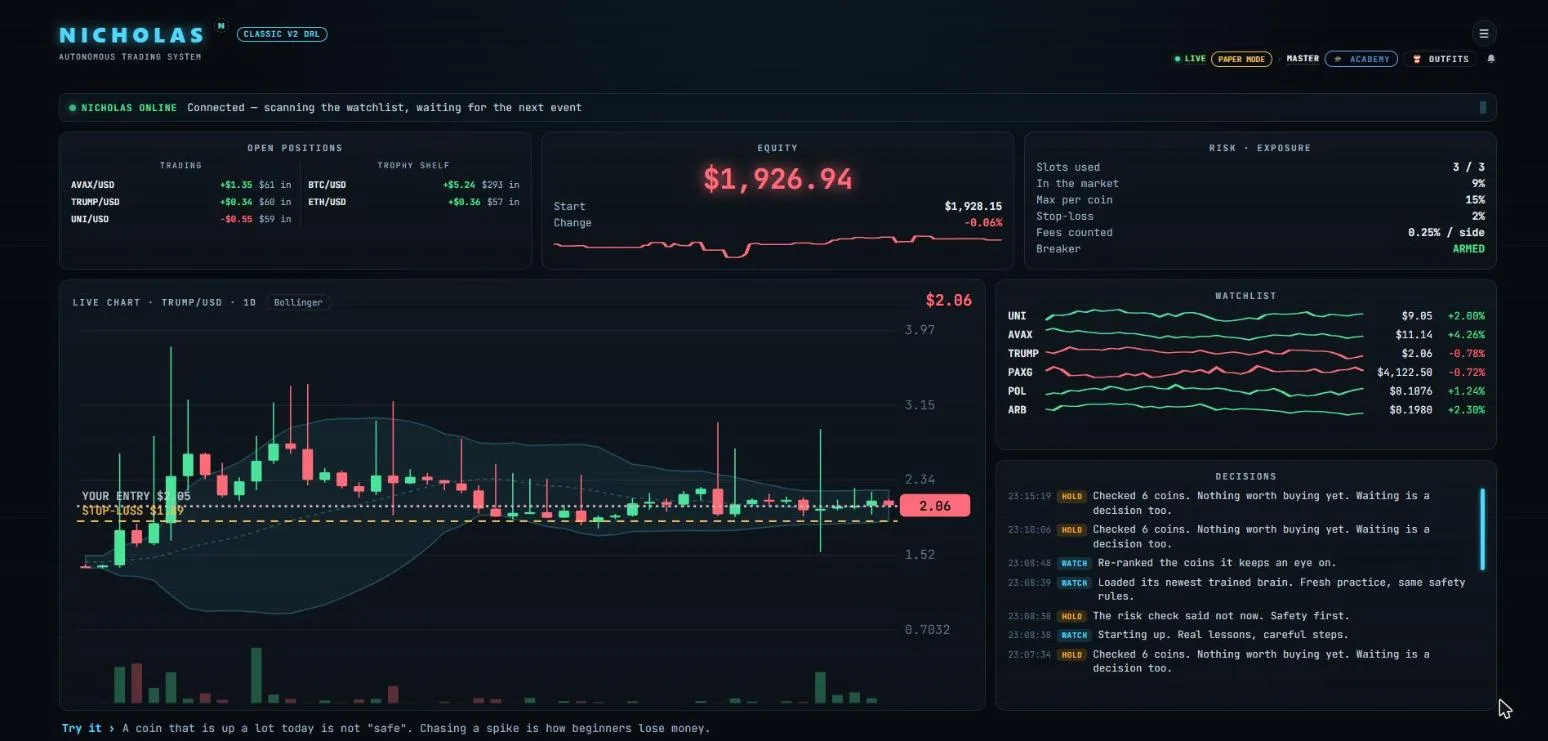
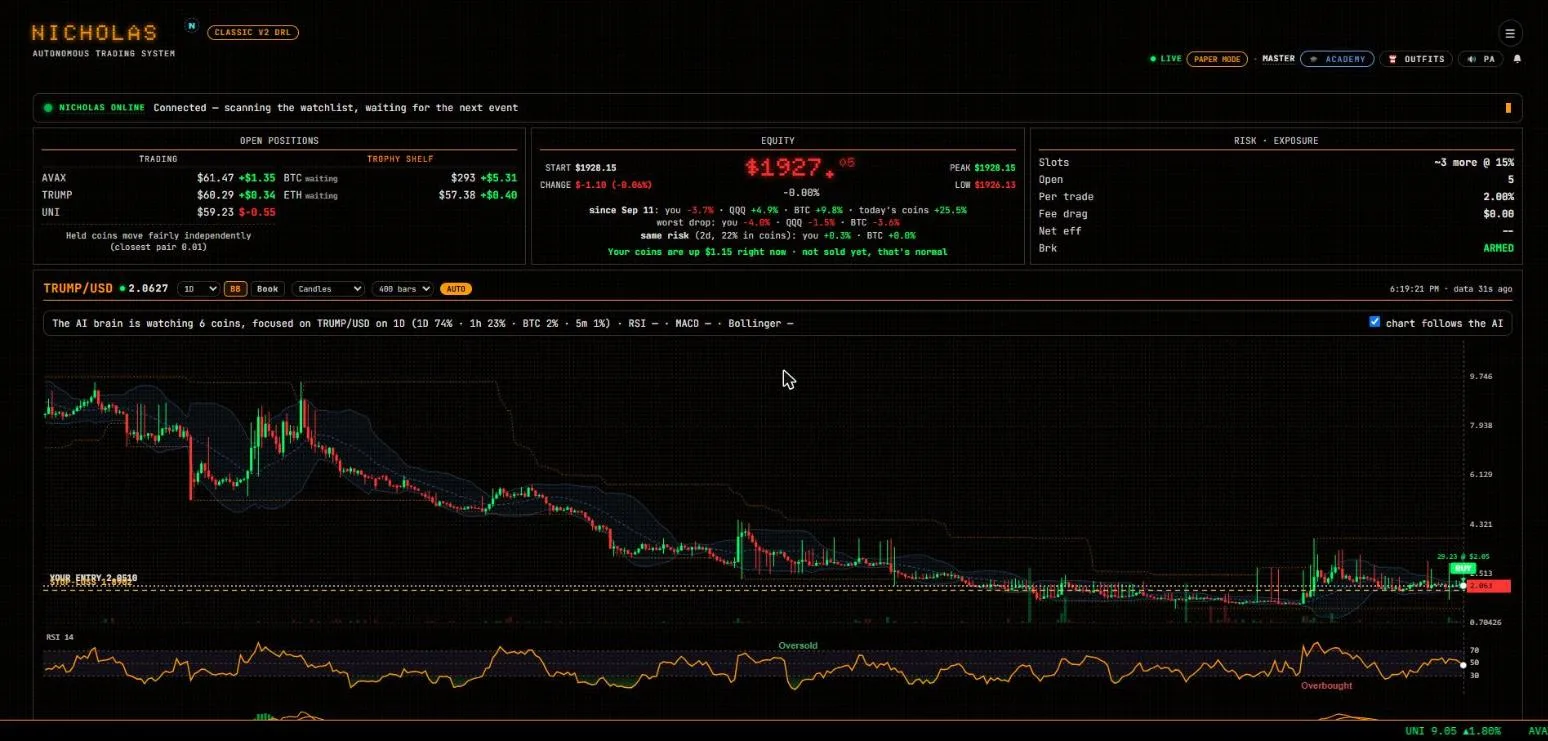
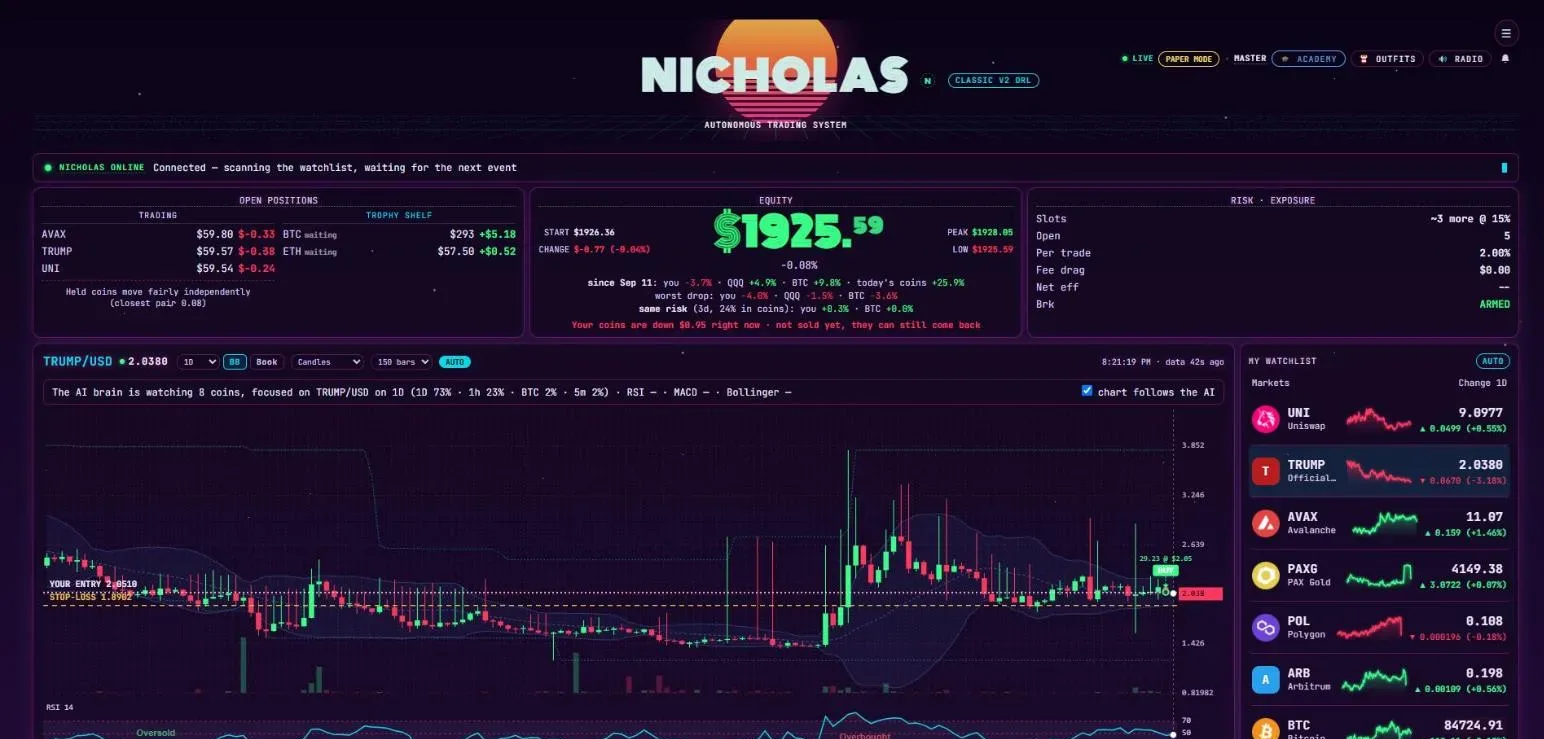
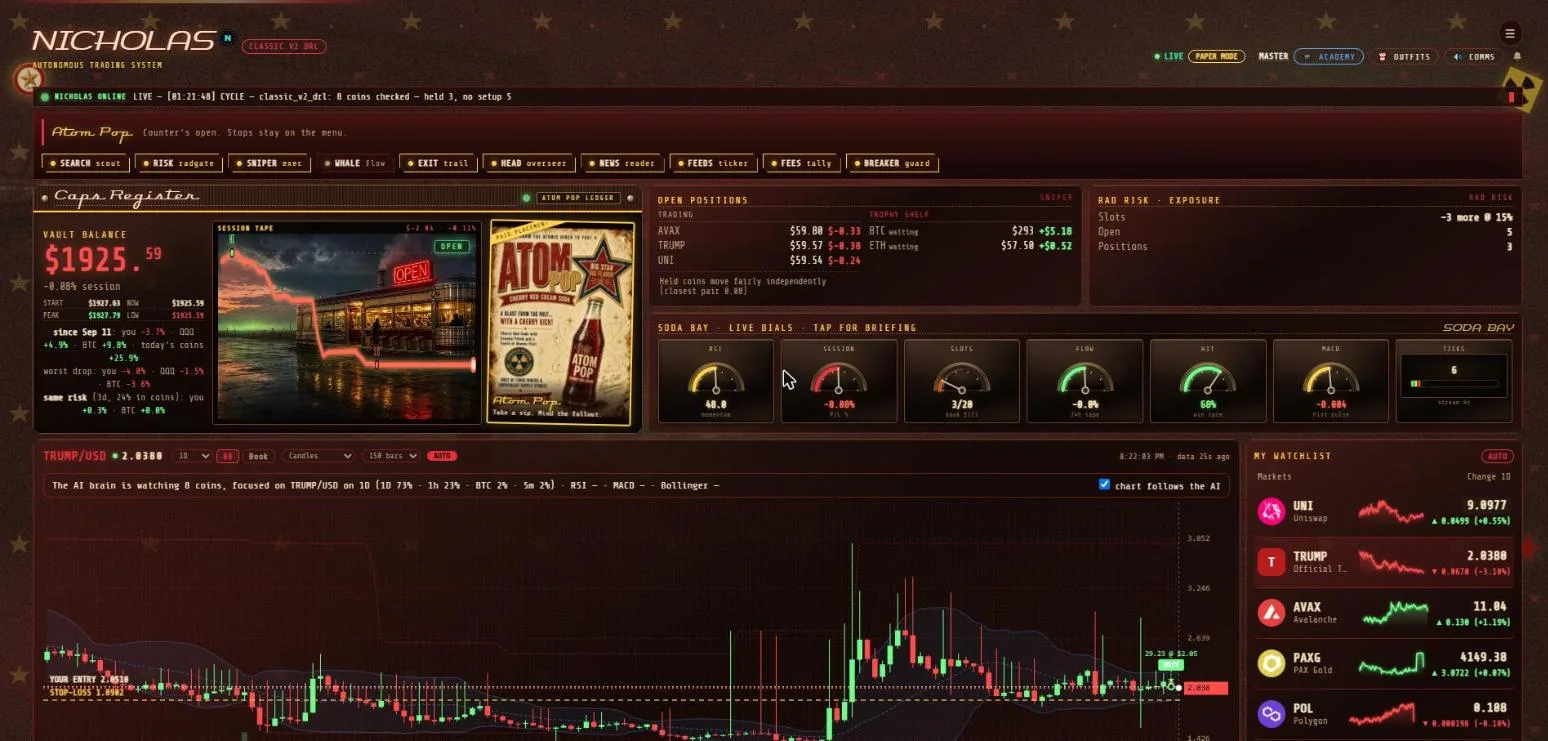
Nicholas trades crypto in your own linked brokerage account under strict safety rules, and explains every box, number and crypto in plain words. Built for people who have never traded before.
By invitation only. Starts on a paper account with pretend money. Brokerage integration: Alpaca. More brokerages are planned.
Live from the market, refreshed every 15 minutes. Each tile says what it means.
Market data. Not advice: just the weather.
People and AI bots visiting this site, drawn like a trading chart. No cookies, nothing about you kept.
Counted from server logs. No cookies, no IP addresses kept. Privacy
Screens from a live paper account. Pick the look you like: there are a dozen outfits, from calm to loud.
You never hand over a password or an API key. You approve Nicholas on your brokerage's own page.
Use your invite link. You sign in on your brokerage's own page and approve access. You can revoke it from your brokerage dashboard any time.
Nicholas begins on a paper account with pretend money, so you can watch it work without risking a cent.
Every box explains itself. You choose which engine runs, and you can stop it whenever you like.
Most trading tools assume you already know what a candle is. Nicholas doesn't.
Tap any box, number or crypto and Nicholas explains it in plain, dummy-proof words. Try it on the simulation above.
A course, one short unit at a time: what crypto is, reading the chart and its gauges, what trading costs, managing risk, keeping a cool head and staying safe. Then how bots and AI trade. Parts of the screen unlock as you learn them.
Alerts that teach you something, and make you smile while they do. Nicholas is named after a real Maltipoo who sleeps on a desk.
These are properties of how Nicholas is built and what permission you grant.
It can place and cancel orders. It cannot deposit, withdraw or move money anywhere. Your brokerage does not offer that permission to it at all.
Every position has an exit line, and the size of the trade comes from how far away that line is. Losses stay small.
After a rough day it halts new buys, and it will not reset itself. A human has to do that, on purpose.
Your money stays in your own brokerage account. Revoke Nicholas whenever you want, and nobody on this end can argue.
Nicholas has six engines, from calm to adventurous (one is still in the lab), and every one wears the same seatbelts. You choose which one runs. Meet the engines ›
Nicholas does not predict the future. Nobody does. His default engine follows one simple rule that was tested after fees on years of prices it was not built on. His learning engines are retrained every week, and a new version is only used if it makes money after fees on later data it never saw. Those are tests, not proof: nothing has shown a reliable profit with real money yet. You should hear that before you connect an account, not after.
That is why he starts on paper, and why the simulation above will sometimes show a losing trade too. We are building this the slow way: one person, one dog, and a lot of testing.
Enter the code from your invite and it walks you through linking your own brokerage account. No code yet? Request an invite and tell us a little about you.
Paste the code (or the whole link) from your invite email. Next you sign in on your brokerage's own page and approve access, and your practice (paper) account is connected. It takes about 3 minutes.
Sign in with your email and password to see your account at a glance, link your connections and open your dashboard. Signed up before accounts existed? Paste the part after t= from your old control-panel link below.